Roast My Face
[GitHub Repo]A webcam web app that sends an image from your webcam to an AI model through a Cloudflare Worker, then reads the personalised AI-generated roast aloud to your face using text-to-speech.
Overview
Roast My Face is a web application that uses the camera on the user's device to take a picture, send it to an AI model, and get back a humorous roast/insult based on their appearance. The AI generated roast is read aloud directly to their face via the browser's text to speech function. My main motivation for this project was just pure boredom. I had been doing a web development course at university, so I combined that with wanting to do something interesting with AI, resulting in this project.
Tech Stack
- Frontend: HTML, CSS, JavaScript
- Browser APIs: MediaDevices, Canvas, Web Speech
- Backend & AI: Cloudflare Workers, OpenRouter API, Gemini
- Hosting: GitHub Pages
Screenshot / Live Demo
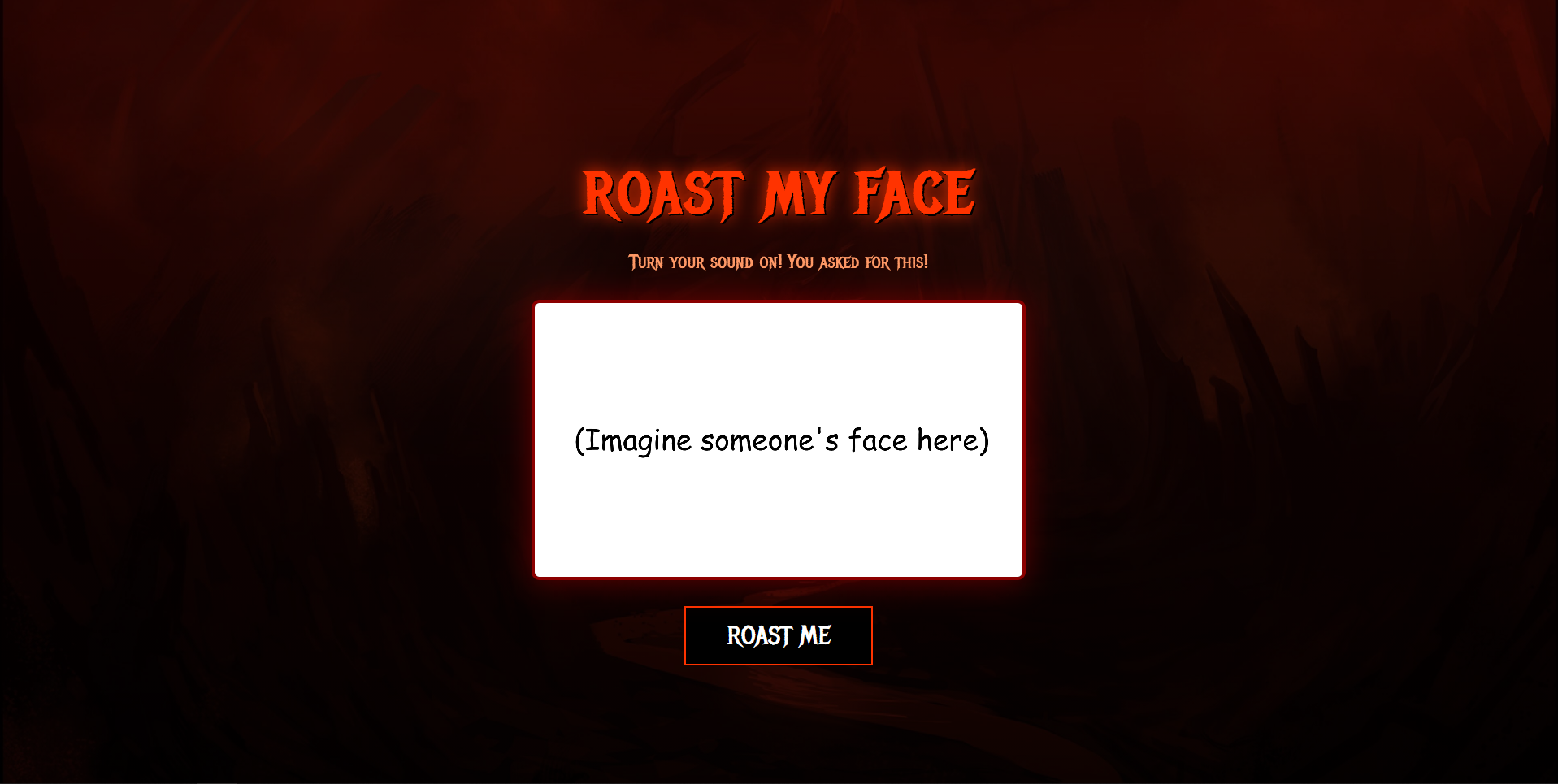
Technical Implementation
This project is very frontend heavy with most of the code and functionality existing within the frontend. I was able to use browser APIs and functions to create most of the functionality of the web application however a backend was still needed to add the AI component of this project. The frontend was hosted on GitHub Pages because it was free and easy to deploy. I was then able to use browser APIs to ask for permission to access the user's camera, capture that frame from the camera and use the browser's built in text to speech to read the AI generated roast back to the user. The key thing that I was still missing was the AI implementation. The AI implementation would require me to create a small backend due to GitHub Pages only providing static hosting, meaning that any API key included in the frontend would be revealed to users. I therefore used Cloudflare Workers to deploy a small and simple backend to interface with my AI provider and store my API key.
From the user's perspective, my web application begins with a browser pop up asking for permission to allow my web app to access the user's camera. This was achieved by using the MediaDevices API which
enables me to request access to the user's camera and be able to utilise it. After gaining access to the user's camera, the web app displays the camera feed within a window on the webpage. This live feed of
the camera is actually horizontally flipped within my code so that it acts the same way as a mirror visually. Without this, the raw un-flipped footage felt unnatural and weird from the user's perspective. The
next step happens when the user decides to take a photo by pressing the Roast Me button. The button gets disabled until the request is met or a connection cannot be made between the backend or AI provider.
This is so that the user doesn't spam AI requests or potentially cause glitchy behaviour within the web app. Then a different browser API called Canvas captures the latest frame from the camera feed,
working as a snapshot of that moment. That snapshot is converted into a JPEG and then encoded as Base64. This is so that the image can be converted into text, which allows it to fit within JSON, which allows it
to be sent as a POST request to my Cloudflare Worker backend. The Cloudflare Worker forwards the image to OpenRouter via another POST request, which also now includes an API key and system prompt telling
the model, the context of its use and what needs to be done next. OpenRouter routes my AI request to the requested model, in this case the latest Gemini Flash model, and then forwards the AI model's response back
to the Cloudflare Worker whenever it has gotten a response back. Cloudflare Worker forwards it back to the original source. The Roast My Face webpage then displays the AI model's response and reads it
aloud with the browser's built in text to speech.
Designing the Backend
Initially, my mental design for this project and how the technical details would work was that the frontend would call OpenRouter and handle the AI integration. This would have made the project simpler and would have meant that a backend was not necessary. The issue with this plan was that I had already chosen GitHub Pages to avoid hosting costs, however GitHub Pages only provides static hosting. This meant that I could not run server-side JavaScript to deal with my API key and process the AI integration. I could only store the API key within the client-side JavaScript which the user would be able to see in plain text and is very insecure. It would be the security equivalent of not using locks on your doors, hoping nobody randomly pulls your door handle. Storing it within client-side JavaScript was relying on nobody using my API key and trying to get free AI usage.
The solution to this, which still allowed me to use GitHub Pages, was to set up a small backend to act as a middleman between my website and OpenRouter.
This small backend would store my API key. A service that provided
the backend that I needed was Cloudflare Workers. It provided a small serverless backend that didn't need much maintenance and was easy to set up. That was exactly what was needed for
this project as deploying a dedicated server with full functionality for this would have been overkill, and would have required more maintenance than it was worth. Cloudflare Workers was also
perfect as it was a free solution within certain rate limits. I wanted this to be an easy inexpensive personal project to practice some frontend development and relieve me of my boredom. The way that
Cloudflare Workers allowed me to keep my API key hidden was that I added my OpenRouter key to the Cloudflare Worker as a .env secret that gets passed on to the Cloudflare Worker code. The Cloudflare Worker
then uses that key and sends a request to OpenRouter for the latest Gemini Flash model to answer the system prompt with the user's image attached. This allows me to keep my API key hidden from the user and
prevents a malicious actor from using my AI credits for unintended purposes. Cloudflare Workers was the solution to keeping my API key hidden and allowed me to have a minimal backend that was easy to maintain so
that I could focus on the frontend.
What I learned
I originally went into this project expecting it to be a purely frontend endeavour, but it taught me more about backends and web hosting than I expected. Using GitHub Pages taught me about the limitations of static hosting and how to overcome those limitations to produce a fully functioning web app. Having to overcome the limitation of not being able to execute server-side code through GitHub Pages' hosting taught me about backends and different infrastructures. Searching for a solution on how to store my API key securely and maintain AI functionality within my web application led me to serverless architectures, specifically Cloudflare Workers. This discovery taught me how inexpensive and easy it was to quickly deploy a small backend. Before this project, I wouldn't have thought that a service such as Cloudflare Workers would be free within certain rate limits, and would be so easy to deploy. It also helped teach me how a serverless platform works with the code running only when a request is received. This project made me more confident in being able to deploy similar projects in the future and taught me about the basics of how serverless infrastructure works.